
Video to prompt
Video to prompt
Drop a clip and get the prompt that would film it again, split into subject, camera, light and style.
Sign up free to run it: you get 8 credits, enough for one idea to prompt (8); a video to prompt costs 11.
Gemini 3 Flash from Google writes every prompt.
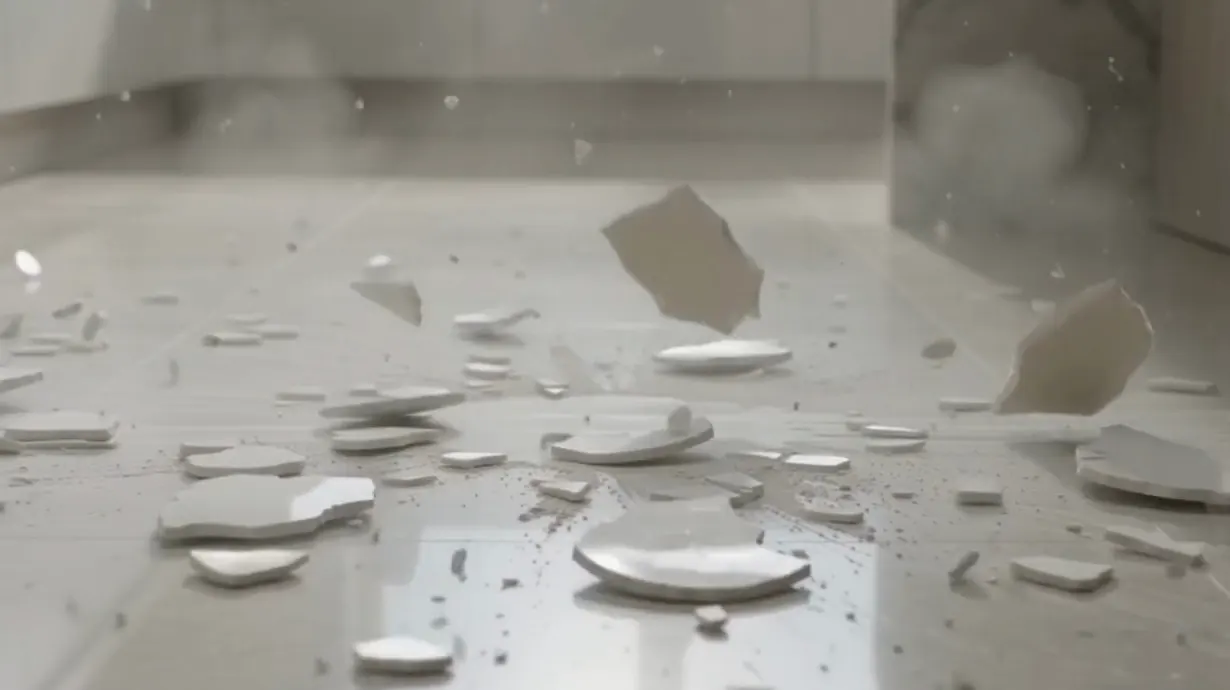
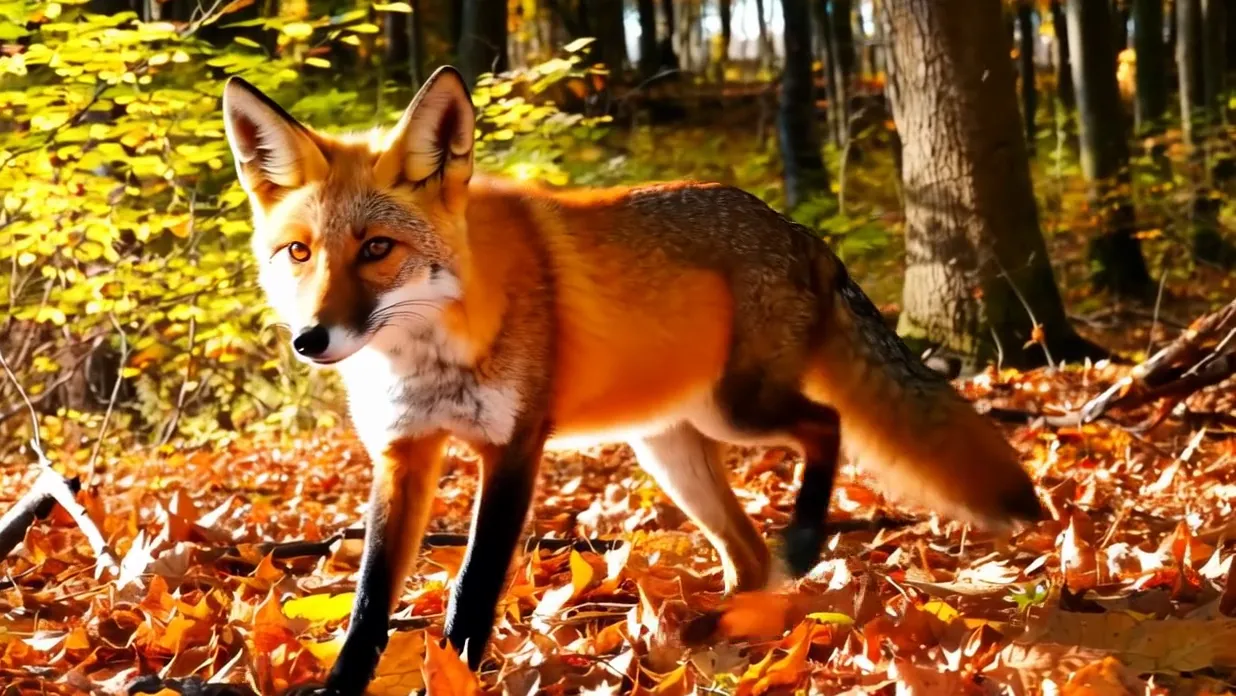
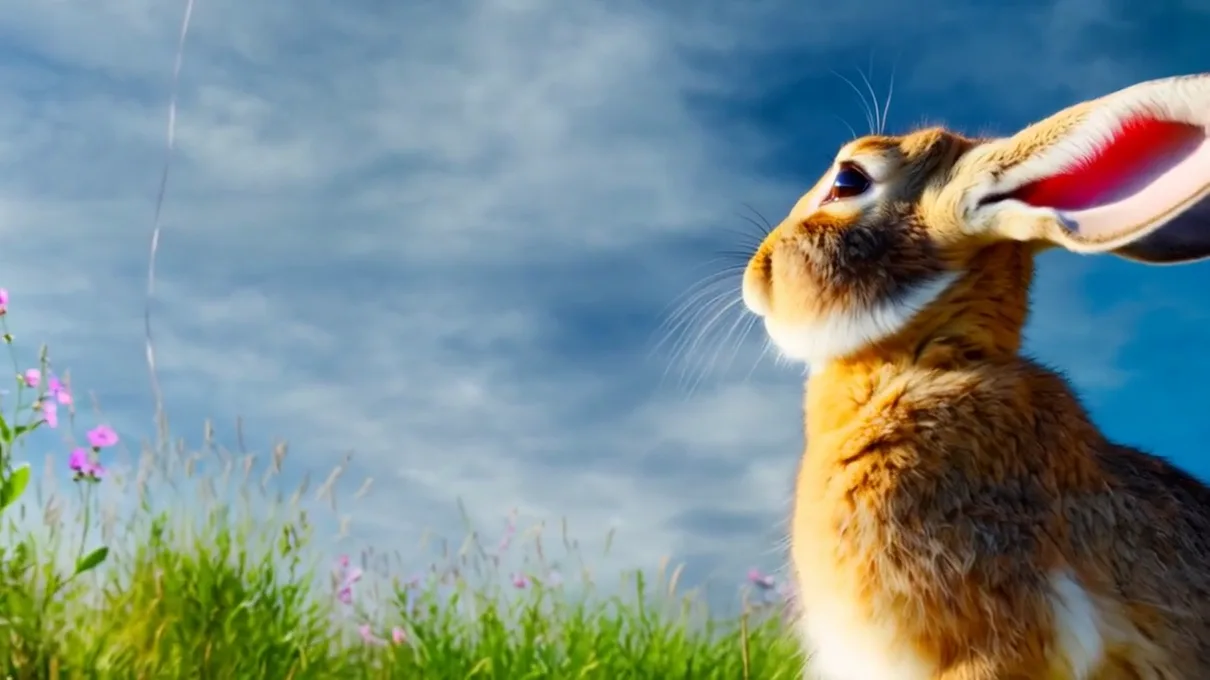
Examples
Real clips and the prompts written from them
Each card is one run of this tool: the clip, and the prompt it wrote from eight of its frames. Colours mark the parts. Nothing was edited by hand.
- ■ Subject
- ■ Action
- ■ Setting
- ■ Camera
- ■ Light
- ■ Style
Low-angle rear view of an astronaut's legs in a bulky white space suit. The astronaut walks slowly away from the camera across a dark lunar surface, each heavy step kicking up fine grey dust. The horizon is obscured by a low-hanging mist under a pitch-black sky filled with distant stars and faint celestial bodies. The camera follows at a very low height, maintaining a close-up on the boots. Cold, directional light from the side creates high contrast and long shadows on the rippled sand. Cinematic sci-fi aesthetic with a desaturated blue-grey palette and sharp textures.
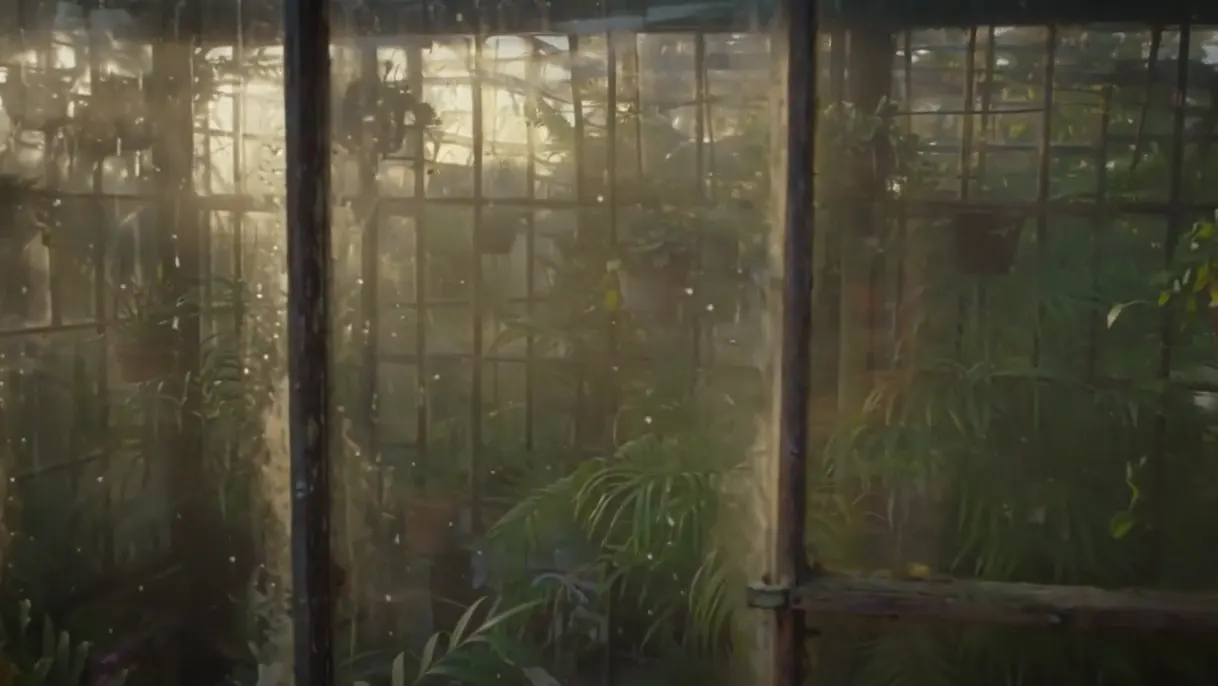
A close-up view through the weathered, grimy glass panes of an old greenhouse filled with lush tropical plants and ferns. Warm golden hour sunlight streams through the hazy glass, creating a soft glow and visible dust motes in the humid air. Water droplets slowly streak down the exterior of the glass, distorting the vibrant green foliage inside. The camera performs a very subtle, slow pan to the right, revealing more of the dense interior garden. The scene has a nostalgic, cinematic film look with a warm color grade and soft focus.
A Roman centurion in ornate bronze armor and a dark cape charges forward through a muddy battlefield. He yells with intense fury, his face splattered with blood and rain, as the camera zooms into a tight close-up. The shot cuts to a low-angle extreme close-up of his gloved hand gripping a sword hilt embedded in the muck. The environment is a dark, rainy night illuminated by distant fires and flashes of lightning. Cinematic historical epic style with a desaturated blue-teal color grade and high contrast.
A desolate, arid battlefield stretches toward a rugged mountain under harsh daylight, littered with fallen soldiers in ancient tunics. The camera pans right across the carnage, revealing a young woman in the extreme foreground. Her face is heavily smeared with dark mud and grime. She stares intensely into the lens with a shell-shocked, grieving expression as the camera settles into a tight close-up. The cinematic style features a desaturated, earthy palette and a shallow depth of field that blurs the bodies behind her.
A middle-aged man with a 18th-century powdered wig and a deep red velvet frock coat stands in a dimly lit library. He picks up a large, leather-bound ancient book from a wooden desk and opens it carefully. He stares intently at the pages with a focused, slightly concerned expression as he reads. The background features floor-to-ceiling bookshelves filled with old volumes, illuminated by flickering candlelight from ornate candelabras. The camera starts as a side-profile medium shot and slowly dollies around to a front-facing medium close-up. Warm orange candlelight contrasts with a cool, misty blue light filtering from the upper left. Cinematic period drama style with rich textures and a shallow depth of field.
A lone knight in chainmail armor and steel greaves stands amidst ruins, holding a broadsword. The background features a destroyed, smoke-filled stone palace under a gloomy, overcast sky with fires burning in the debris. A large black dragon descends from the top of the frame, spreading its wings as it glides toward the knight. The camera performs a slow pull-back, starting from a medium shot of the knight and widening to a long shot as the dragon appears. Cinematic dark fantasy style with a desaturated, sepia-toned color grade and heavy atmospheric smoke.
A cozy two-story wooden log cabin sits nestled in a dense, snow-covered pine forest at night. Warm golden light glows from the cabin windows and porch, contrasting with the cool blue shadows of the winter woods. Soft, fluffy snowflakes drift slowly through the air, catching the light against the dark sky. The camera performs a very slow, subtle zoom-in, framed by out-of-focus snow-laden branches decorated with tiny twinkling fairy lights in the foreground. Cinematic 4k resolution, high contrast, peaceful winter atmosphere, sharp focus on the cabin architecture.
Dozens of vibrant, multi-colored hot air balloons float gracefully above a vast, rolling green landscape blanketed in thick morning mist. The sun sits low on the horizon, casting a warm golden glow across the sky. The balloons drift slowly at varying altitudes, while the fog clings to the valleys between the grassy hills. The camera performs a slow, majestic tilt upward, revealing more of the expansive sky and the sheer number of balloons. Cinematic wide shot with soft, diffused lighting and a serene, peaceful atmosphere.
Prompt anatomy
Six parts make a shot
Every prompt is split the same way, so you can swap one part and keep the rest.
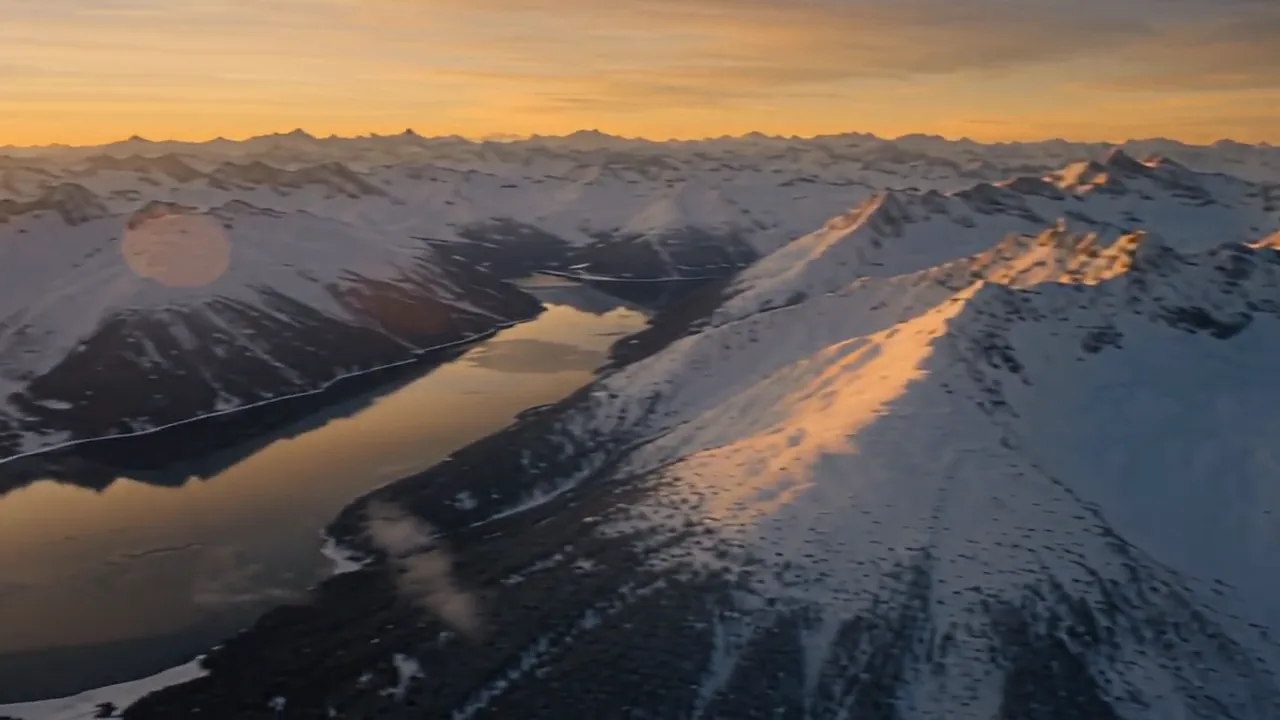
- Subject
- Who or what the shot is about.
- Action
- What moves, and how fast.“The water reflects the orange sky, and a subtle lens flare appears as the sun nears the edge of the frame.”
- Setting
- Where and when it happens.“An expansive aerial view of a snow-capped mountain range at dawn.”
- Camera
- Framing, lens and camera move.“The camera pans slowly to the left, revealing a long, calm lake nestled between the ridges.”
- Light
- Light source, direction and mood.“Warm, golden sunlight hits the peaks, casting long shadows across the white slopes and valleys.”
- Style
- Look, grade and texture.“Cinematic nature documentary style with high contrast and a serene, cold atmosphere.”
How it works
How to turn a video into a prompt
- 1
Drop in a clip
Any clip your browser can play. It takes 8 evenly spaced frames and sends only those; the clip never leaves your device.
- 2
Get the shot, written out
The frames are read in order as one shot: what moves, how the camera travels, the lens, light and pace. Each part of the prompt lights up the frames it describes.
- 3
Copy, rewrite, test
Copy the prompt for Veo, Seedance, Kling, Hailuo or Wan. Rewrite it with a new camera move or mood, or test-render five seconds to see it move.
Prompt shapes
One shot, written the way each model reads
Every result comes with a shot sheet, and each model shape is built from it, so all versions describe the same shot. Copy the one for the model you use.
General
One finished paragraph in prompt order. Works in most text-to-video models.
Veo
Camera and lens first, then the action, light and pace, with an "Audio:" line for the sound.
Seedance
Ordered actions, then separate Camera and Style lines that the model follows closely.
Kling
Subject and motion first as a compact list, with a negative prompt beside it.
Hailuo
A bracketed camera command such as [Push in], then the scene in plain sentences.
Wan
Subject, scene and motion, then look and camera, with a negative prompt beside it.
Veo, Seedance, Kling, Hailuo and Wan are trademarks of their owners (Google, ByteDance, Kuaishou, MiniMax and Alibaba). Video Prompt is independent and not affiliated with them; the names only describe compatible prompt shapes.
Pricing
Plans for regular work, packs for one-offs
New accounts get 8 free credits, one time only, after email verification. An idea to prompt costs 8 credits. A plan brings fresh credits every month at the lowest price per credit. A pack is a single payment whose credits never expire.
Logline
A steady handful of video prompts every month.
- Fresh credits every month (each grant lasts 31 days)
- Video and idea to prompt, every model shape, rewrites and test renders
- Private frames, deleted after 30 days
$6.80/ month
1,450 credits a month
Shot ListRecommended
Daily prompt work, rewrites and test renders.
- Fresh credits every month (each grant lasts 31 days)
- Video and idea to prompt, every model shape, rewrites and test renders
- Private frames, deleted after 30 days
$18.30/ month
3,810 credits a month
Steadicam
High volume: whole shot lists and many test renders.
- Fresh credits every month (each grant lasts 31 days)
- Video and idea to prompt, every model shape, rewrites and test renders
- Private frames, deleted after 30 days
$42.70/ month
9,410 credits a month
Team plans
Priced per seat with a minimum of three. Everyone spends from one shared credit pool; the owner invites members and sees usage by member.
Call SheetFor teams
Small teams sharing one credit pool.
- One shared pool, usage per member, one bill
- Video and idea to prompt, every model shape, rewrites and test renders
- Private frames, deleted after 30 days
$16.80per seat / month
$50.40 in total · 9,930 credits
9,930 credits a month, shared by 3 seats
Viewfinder
Bigger teams, with a credit limit per member.
- One shared pool, usage per member, one bill
- Video and idea to prompt, every model shape, rewrites and test renders
- Private frames, deleted after 30 days
$38.90per seat / month
$116.70 in total · 24,270 credits
24,270 credits a month, shared by 3 seats
Credit packs
One payment, no renewal. Pack credits never expire, and cost more per credit than a plan.
Dolly
A few dozen prompts for one project.
$5.50one-time
930 credits · 0.59¢ per credit
- Credits never expire
- Video and idea to prompt, every model shape, rewrites and test renders
- Prompt history in your account
- Private frames, deleted after 30 days
Crane
Regular prompt work and some test renders.
$14.20one-time
2,260 credits · 0.63¢ per credit
- Credits never expire
- Video and idea to prompt, every model shape, rewrites and test renders
- Prompt history in your account
- Private frames, deleted after 30 days
Cutaway
A big library of prompts and renders.
$34.40one-time
5,600 credits · 0.61¢ per credit
- Credits never expire
- Video and idea to prompt, every model shape, rewrites and test renders
- Prompt history in your account
- Private frames, deleted after 30 days
Credits per job
Every model shape is included in each prompt. Gemini 3 Flash from Google writes the prompts; test renders are made with Seedance 2 Mini from ByteDance.
| Job | Credits |
|---|---|
| Video to prompt (shot sheet, every model shape, description and tags) | 11 |
| Idea to prompt | 8 |
| Rewrite of a prompt | 8 |
| Test render (5 s, 480p) | 67 |
Changed your mind? Within 7 days of a purchase, while no more than 10% of its credits are used (a yearly plan: of the year's), you can get the unused part refunded. Renewals are not refunded.
FAQ
Questions about video to prompt
Is Video Prompt free?
You can try it for free. New accounts get 8 free credits, one time only, after email verification. A video to prompt costs 11 credits; an idea to prompt or a rewrite costs 8. A test render costs 67 credits. Pack credits never expire.
Is my video uploaded?
No. Your browser takes 8 still frames from the clip and sends only those. The frames are private and deleted automatically 30 days after the job, or sooner if you delete the job.
Which AI writes the prompt?
Gemini 3 Flash from Google reads the frames (or your idea) and writes the prompt, shot sheet, description and tags. Test renders are made with Seedance 2 Mini from ByteDance.
Which video models is the prompt for?
The general prompt works in most text-to-video models. Each result also has copy buttons for prompts shaped for Veo, Seedance, Kling, Hailuo and Wan, built from the same shot sheet.
Will the prompt recreate my clip exactly?
It describes the shot closely: subject, motion, camera, light and look. Each render is a new clip, so details differ from run to run and model to model. A test render shows how close it gets.
What about long clips or clips with cuts?
The 8 frames are spread across the whole clip. The prompt describes the main shot as one 5-10 second clip and notes cuts in the pacing field; trim a long clip to the shot you want for the closest prompt.
Does it identify people in a clip?
No. People are described by what is visible (clothing, pose, action), never by name, even when someone looks famous.
What happens if a job fails?
The credits it used are returned automatically. You do not need to contact support.
Notes on video prompts
How to read a clip for its prompt, how camera moves are written, and how each video model wants its prompt.
How to Reverse-Engineer a Video Prompt From Any Clip
Read a shot the way a video model needs it: subject, motion, camera, lens, light, pacing and sound. Why frames in order matter, and a worked example from clip to finished prompt.
Camera Moves in Video Prompts: Exact Phrasing That Works
Push-in, pull-out, pan, tilt, tracking, orbit, crane, dolly zoom, handheld and drone shots: what each move does, the wording video models follow, and how to pair a move with framing.
One Prompt, Many Video Models: Writing a Shot for Veo, Seedance, Kling, Hailuo and Wan
The same shot written five ways. How length, structure, camera wording, negative prompts, sound cues and aspect ratio change from one video model family to the next, with copy-ready examples.
Last updated: