How to Reverse-Engineer a Video Prompt From Any Clip
Read a shot the way a video model needs it: subject, motion, camera, lens, light, pacing and sound. Why frames in order matter, and a worked example from clip to finished prompt.
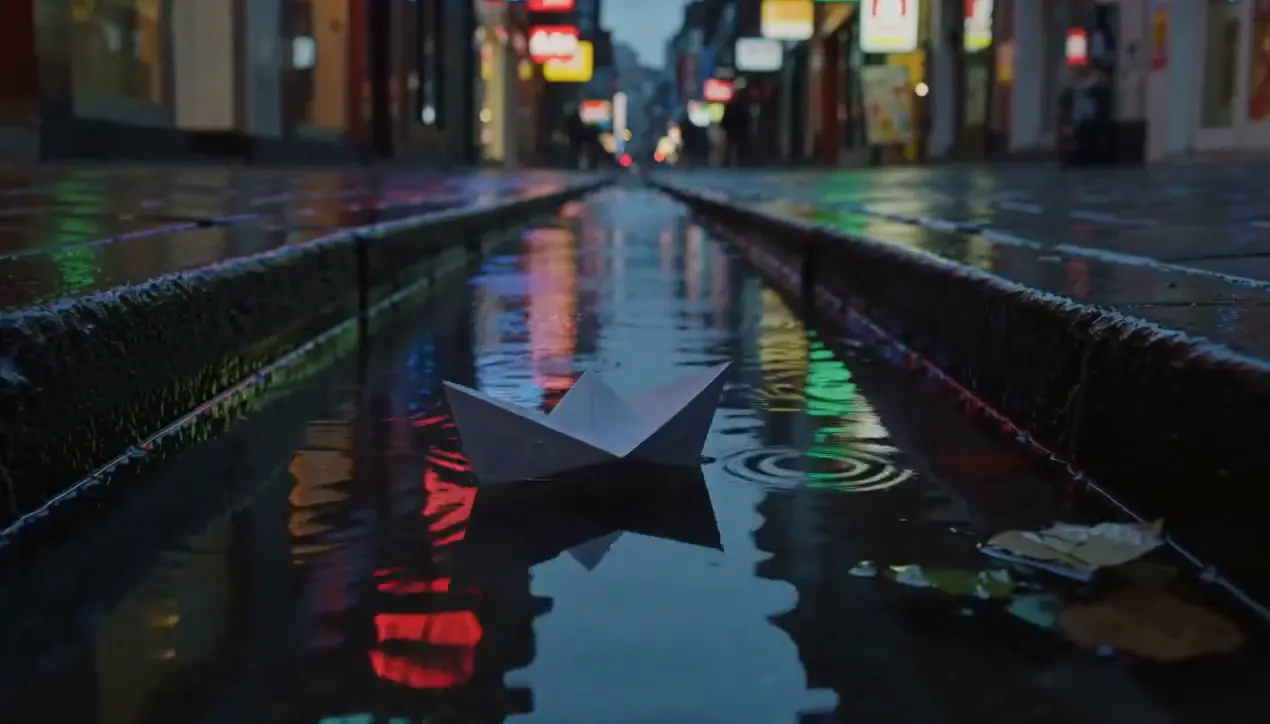
You see a clip you love: a slow drift past a rain-soaked noodle stall, a skateboarder carving through late sun, a cup of coffee steaming in a quiet kitchen. You want something with the same feel. The fastest way there is to describe the shot back to a video model in the terms it understands. That is what reverse-engineering a prompt means: watching like a camera operator, then writing like a director.
This guide walks through the seven things to read in any clip, explains why the order of frames carries half the meaning, and ends with a worked example.
Watch the clip three times, for three different things
Most people watch once and write down what they remember. That gives you the subject and little else. Try three passes instead:
- First pass: what is on screen. Who or what is the subject, where are they, and what do they look like?
- Second pass: what moves. Ignore the content and watch only motion. What does the subject do? What does the background do? What does the camera do?
- Third pass: how it feels. Light, colour, speed, and what you would hear if the sound were on.
Each pass maps onto parts of a good prompt, and splitting them up keeps you from describing the subject five times while forgetting the camera entirely.
The seven parts of a shot
1. Subject
Describe the subject by what can be seen: age range, clothing, build, posture, materials, colours. "A woman in her thirties in a yellow raincoat, hood up" gives a model far more to work with than "a woman". For objects, name the material and condition: "a dented aluminium thermos", "a glossy ceramic bowl with a chipped rim".
2. Action
Write the action as a verb in the present tense, with a direction and a speed: "walks slowly toward camera", "turns her head to the left", "steam rises and curls". Video models respond to clear, single actions. If the clip contains two beats, write them in order with "then": "she stops at the stall, then looks up at the menu".
3. Camera
This is where most hand-written prompts fall short. Ask three questions: is the camera still or moving, where is it relative to the subject, and how close is it? Name the move plainly ("slow push-in", "tracking shot from the side", "static, locked-off") and the framing ("medium close-up", "wide establishing shot"). Our guide to camera moves in video prompts covers the exact phrasing for each move.
4. Lens
You rarely need a focal length number, but you do need the look it produces. A shallow depth of field with a blurred background reads as a longer lens; a wide view where the background stays sharp and lines bend at the edges reads as a wide lens. Phrases like "shallow depth of field, soft background bokeh" or "wide-angle, deep focus" carry this.
5. Light
Name the source, its direction and its quality. "Low golden sun from behind, rim light on her hair" is a full description in nine words. Add colour where it matters: "neon pink and teal reflections on wet pavement". Time of day and weather belong here too.
6. Pacing
Pacing describes how fast things happen inside the shot. Is it a lingering, unhurried moment or a quick, energetic one? "Calm, unhurried pacing" and "fast, kinetic energy" both change how a model times the action across the clip. Slow motion and real time are worth naming explicitly when you can tell.
7. Sound
Even when the original clip is silent, a sound line helps models that generate audio and gives the scene texture: "rain on a canvas awning, distant traffic, sizzling woks". Keep it to ambient sound and effects, described simply.
Why the order of frames matters
A single still tells you what a shot looks like. A sequence of stills tells you what the shot does. Compare the first and last frame of a clip and you learn things no single frame can show:
- Camera movement. If the subject is small in the first frame and fills the screen in the last, the camera pushed in (or the subject walked toward it; look at the background to tell which).
- Direction of travel. A subject on the left edge early and the right edge late is crossing the frame, and you can say which way.
- Changes in light. A face that moves from shadow into sun is part of the story of the shot.
- Beats of action. A head turn, a pause, a step forward: these only appear as a sequence.
This is why reading frames in order beats describing a single screenshot. When you sample a clip yourself, take frames spread evenly from start to finish rather than bunched at one moment, and keep them in time order while you write.
A worked example
Say the clip is about five seconds long. Here is what eight evenly spaced frames show:
- Frames 1–2: a wide view of a night market street, wet after rain. A woman in a yellow raincoat is small in the middle distance, walking toward camera.
- Frames 3–5: she grows larger in the frame. Neon signs reflect in puddles. The background stays blurred; the camera is moving backward at walking pace.
- Frames 6–7: she slows and glances to her left at a steaming food stall.
- Frame 8: a medium shot, her face lit warm from the stall on one side and cool blue from a sign on the other.
Now sort what you saw into the seven parts:
- Subject: a woman in her thirties in a yellow raincoat, hood down, damp hair
- Action: walks toward camera at an easy pace, then slows and glances left at a food stall
- Camera: slow tracking shot moving backward ahead of her, from wide to medium shot
- Lens: shallow depth of field, soft neon bokeh behind her
- Light: night, neon signs in pink and teal, warm light spilling from the stall
- Pacing: calm, unhurried, real time
- Sound: light rain, sizzling woks, low crowd murmur
Finally, write it as one paragraph, leading with what matters most:
A slow tracking shot moves backward ahead of a woman in her thirties in a yellow raincoat as she walks toward camera through a rain-wet night market. She slows and glances left at a steaming food stall. Pink and teal neon reflects in the puddles, warm light from the stall spills across her face. Shallow depth of field with soft neon bokeh, calm unhurried pacing, real time. Sound: light rain, sizzling woks, low crowd murmur.
Add a short negative prompt for models that accept one: "blurry face, distorted hands, text, watermark, flicker".
Common mistakes to watch for
- Describing a still, not a shot. If your prompt would make equal sense as an image prompt, the motion is missing.
- Stacking many actions. Five-second clips handle one or two beats well. Save the rest for the next shot.
- Vague camera words. "Cinematic" alone tells a model little. "Slow push-in, medium close-up" tells it exactly what to do.
- Names instead of descriptions. Describe people by visible traits. It keeps prompts respectful and gives the model concrete detail to draw.
Let Video Prompt do the first draft
Writing all of this by hand is a good habit, and it is also slow. Video Prompt does the reading for you: drop in a clip and your browser samples eight evenly spaced frames, uploads only those frames, and returns a prompt split into labelled parts (subject, action, setting, camera, lighting, style), each tied to the frames it came from. You also get a full shot sheet, a negative prompt and copy-ready shapes for Veo, Seedance, Kling, Hailuo and Wan. One video job costs 11 credits; see the pricing page for plans and packs.
If you plan to paste the same shot into several models, read one prompt, many video models next.
Turn your own clip into a prompt
Drop a clip or type an idea, pick the model you write for, and see the price before you start.